The app on your computer
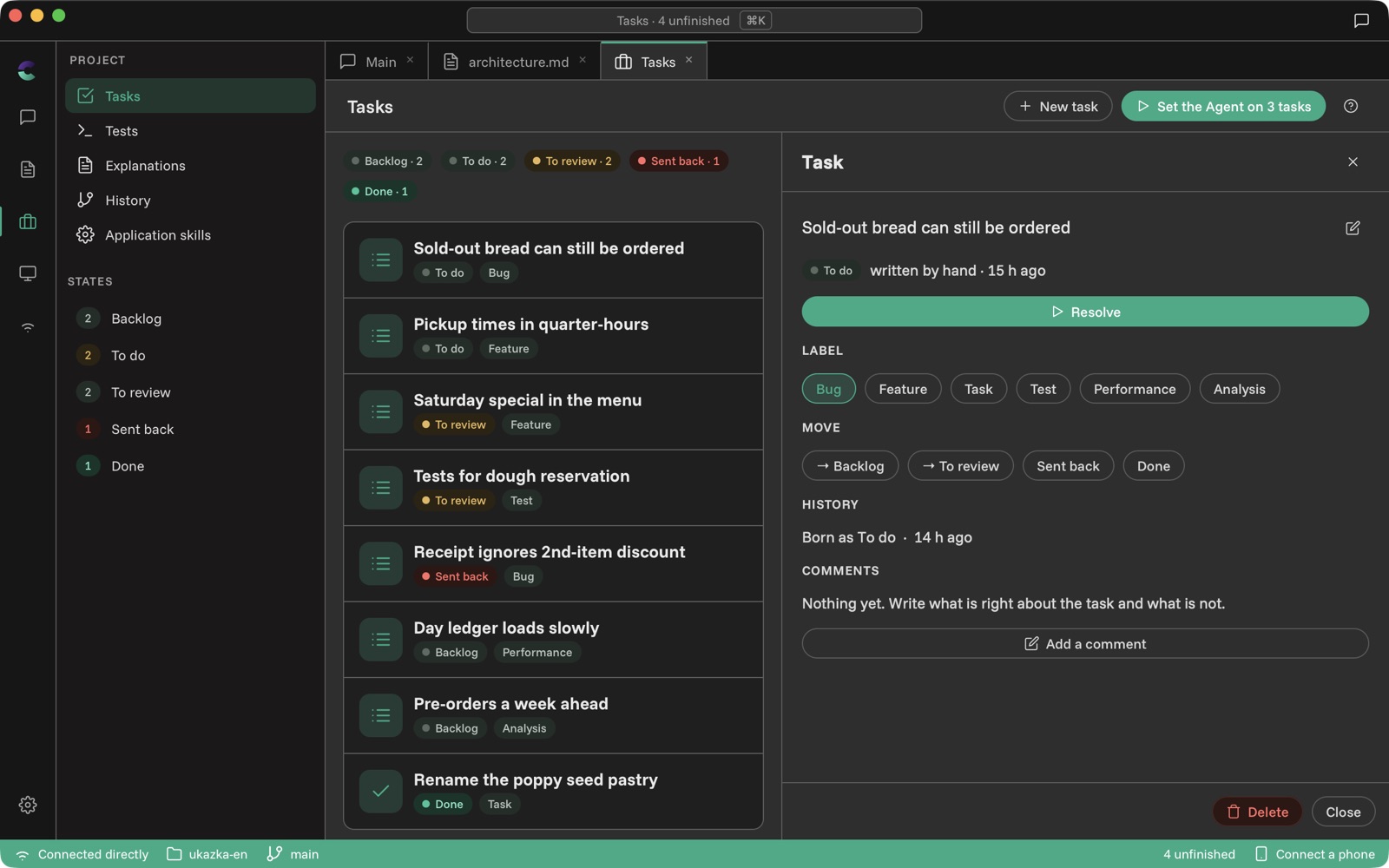
The same app in a window: a file tree, tabs, the Conversation at the side and a Server you start without a terminal.
The coden app also runs in a window on your computer. It is the same app as on your phone — the same tabs, the same Conversations — just laid out for a big screen, a mouse and a keyboard.
How the window is laid out
- On the left is a vertical bar with the sections: Conversation, Documents, Project, Preview and Settings.
- At the top are tabs with what you have open — files, tasks, tests. You switch between them as in an editor.
- The Conversation can stay open at the side while you read a file or a task in the main area.
- At the bottom is the status bar: the connection, the Server, the git branch and Connect a phone. Every item is a button — click the branch to switch it, click the Server to switch to another.
Starting the Server without a terminal
- Open Settings → Connection.
- Under Server on this computer, type the path to the project folder, for example ~/projekty/muj-projekt.
- Tap Start Server.
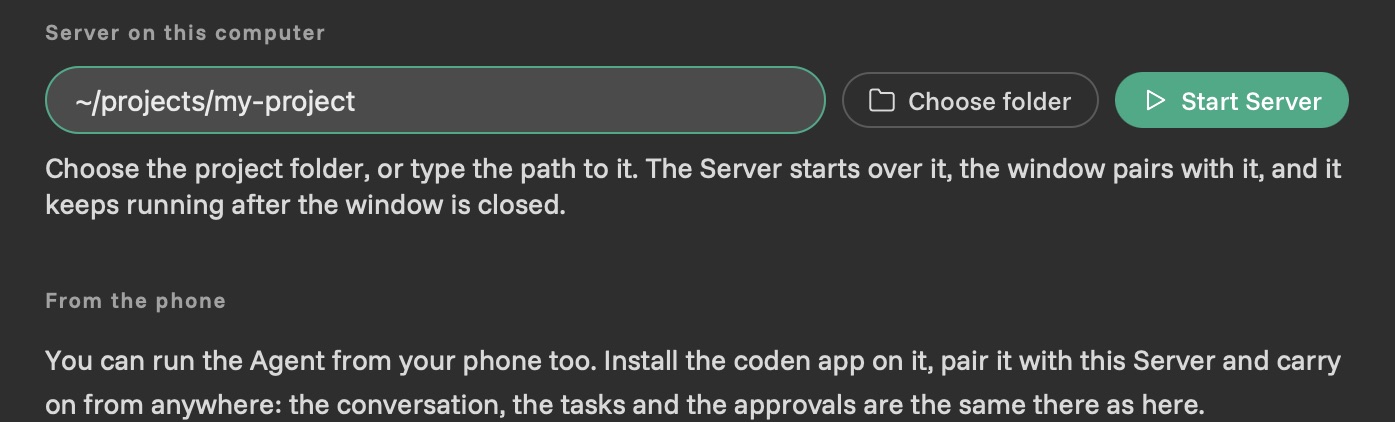
The window pairs with the Server straight away. The Server keeps running after you close the window — next time the window just connects to it.
The window starts the same Server you would start from a terminal, so it has to be installed — download page.
Project files
When the Server runs on the same computer, the window reads the project straight from disk. A file is ready to edit as soon as you open it; save it with the Save button or ⌘S / Ctrl+S.
By default you see the documentation and pictures — the same as the phone. In Settings → Appearance → Files in Documents choose All files and you will see the source code too, highlighted by language.
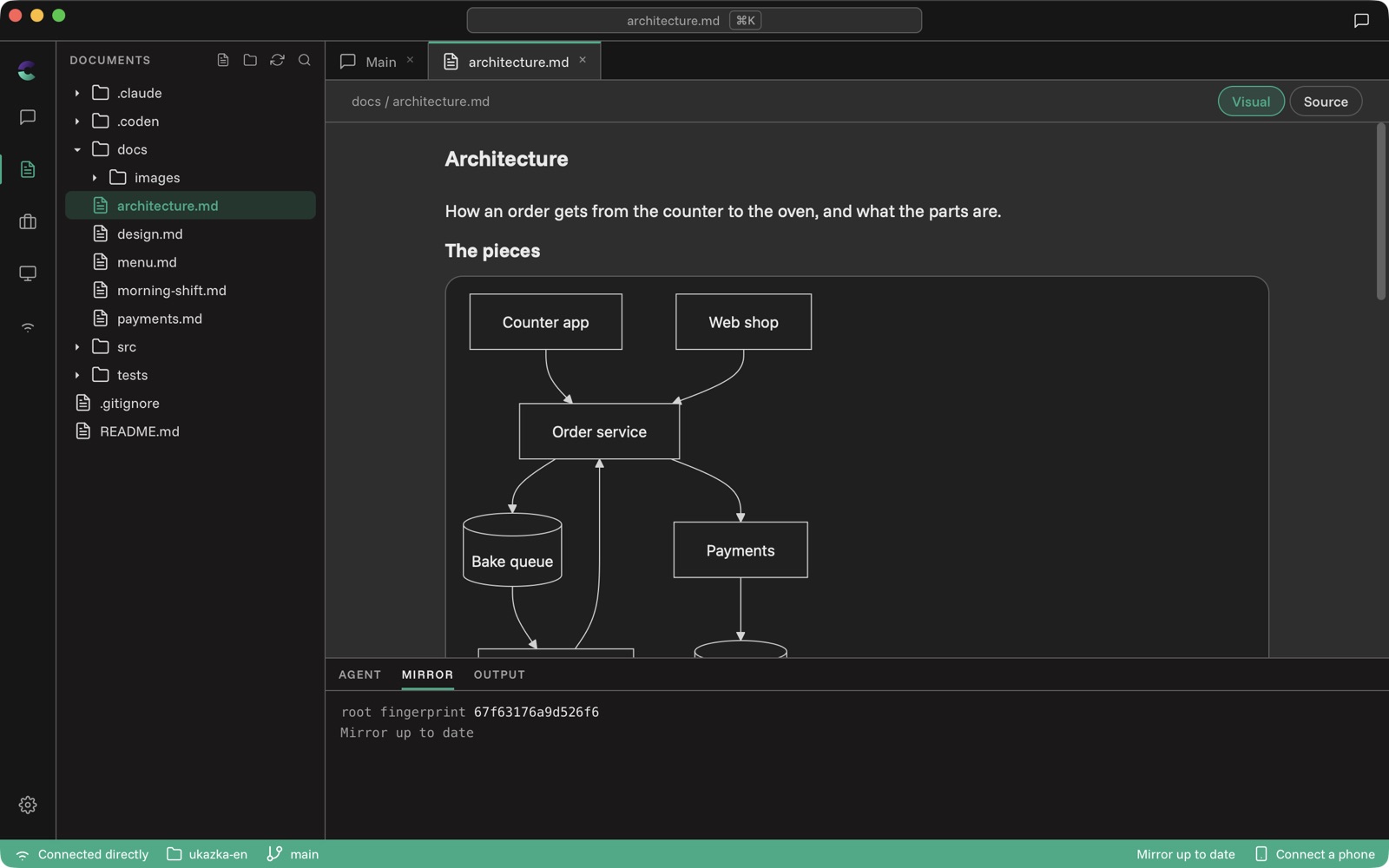
Right-click in the file tree to create a folder, rename or delete.
Pictures from the clipboard
Paste a screenshot into a Prompt or a new task with a plain paste — ⌘V / Ctrl+V. The Agent sees it along with the text.
Connecting your phone
The bottom bar always has Connect a phone. It shows a QR code you scan with the phone app — and then the phone and the window work with the same Server at once. Finish on the tram a Conversation you started at your desk.
Stuck somewhere other than what is here? Write to support@coden-app.com.