The phone app
Five tabs, the status strip at the top and what is done where — from giving a task to previewing the app in progress.
The phone app is a remote control for when you are away from your computer. The Agent works on your computer; the phone gives it work and shows what it is doing. At the bottom are five tabs: Conversation, Documents, Project, Preview and Settings.
The status strip at the top
The top always shows whether you are connected and how — directly, or through the Service. Tap the strip to expand it: you will find disconnecting, reconnecting and switching to another Server there.
Conversation
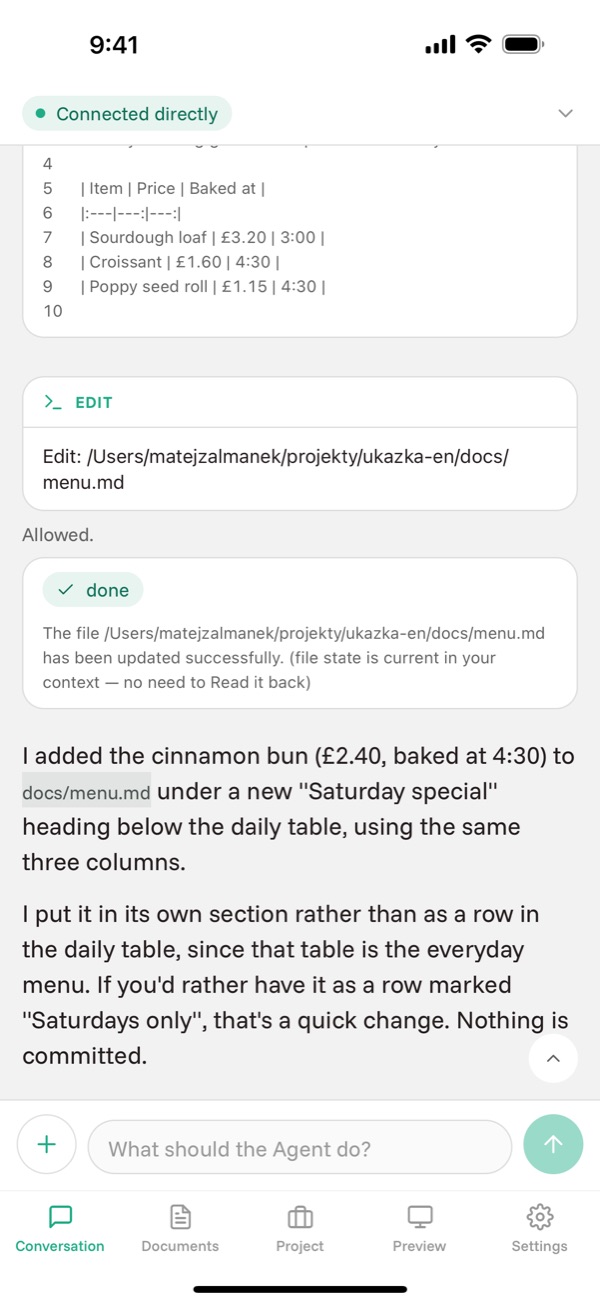
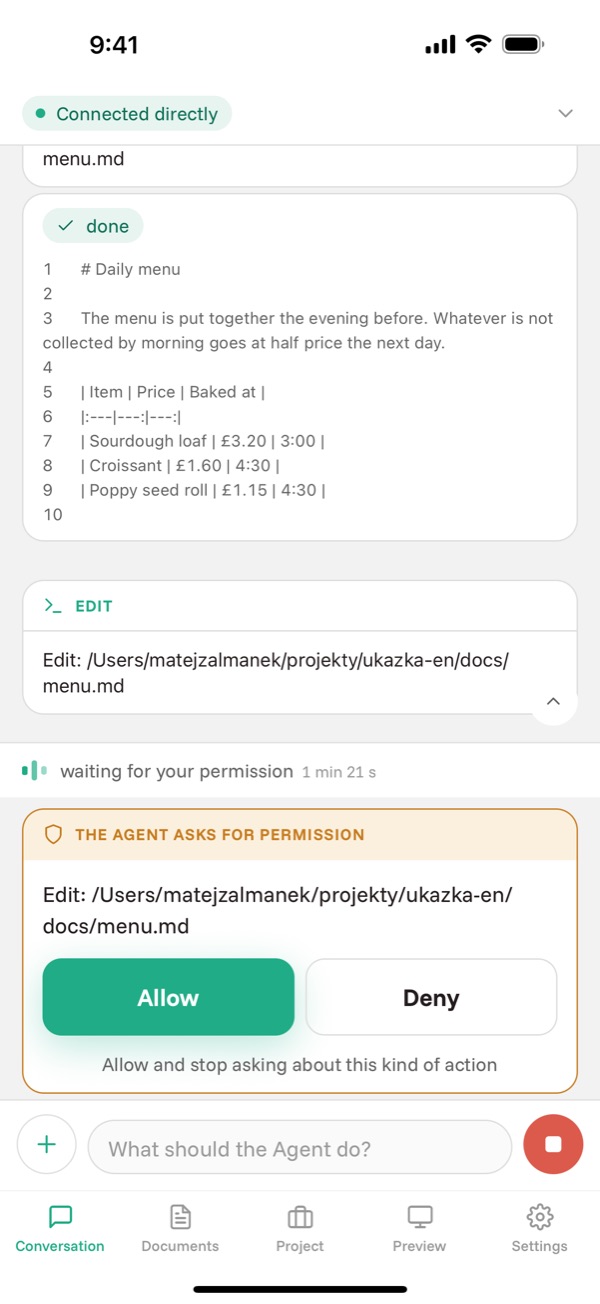
- Type the task into the field at the bottom and send it with the arrow. While the Agent works, the arrow becomes a square that stops it.
- The + button next to the field adds a picture from the gallery, the camera or the clipboard, and offers Planning mode, the choice of model and Earlier prompts.
- When the Agent wants to run a command or write a file, a request for permission appears. You allow it or deny it.
- The up arrow at the right edge jumps to the previous Prompt — no scrolling through a long Conversation.
- Hold your finger on a message to copy its text. A code block has its own copy button in the corner.
Documents
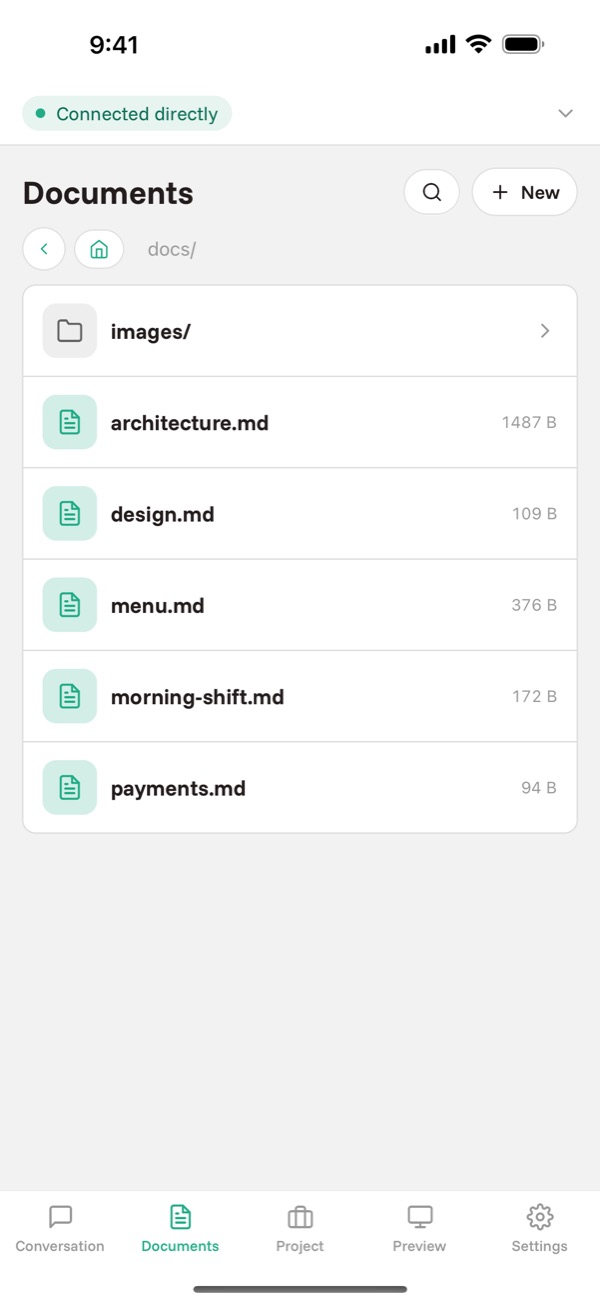
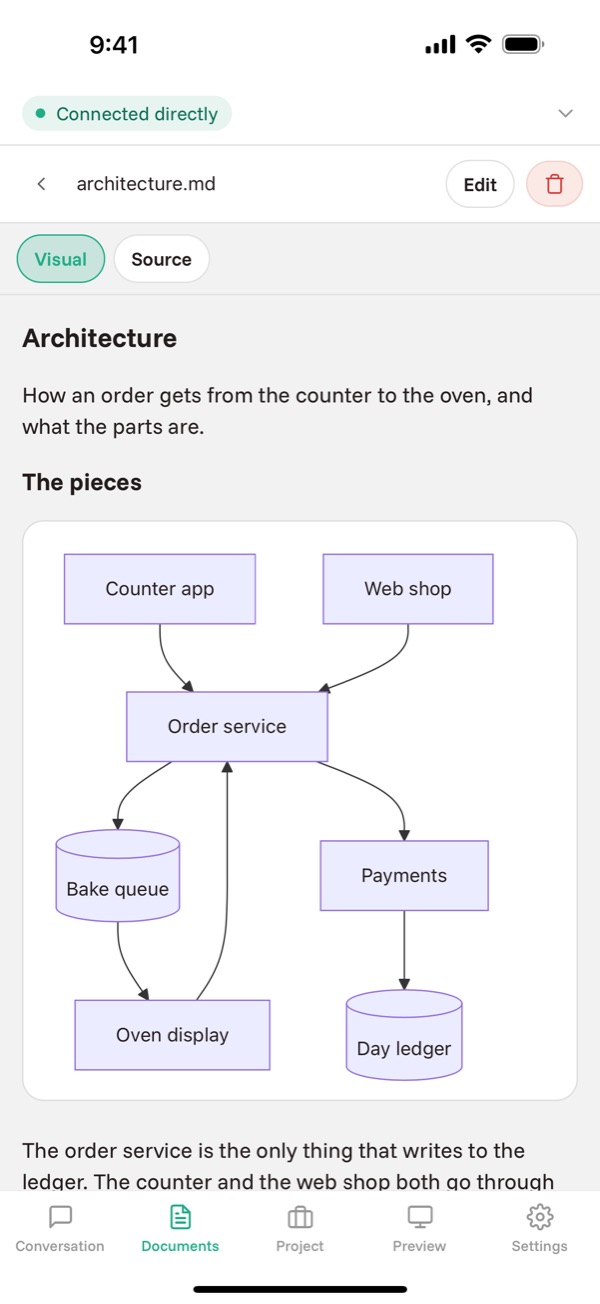
Documentation and pictures from the project, readable even without signal. Markdown is rendered including diagrams; an HTML page opens as it would in a browser.
A document opens for reading; you start writing after tapping Edit and finish with Save or Discard. The Visual and Source switch shows either the rendered text or the Markdown as written.
Project
- Tasks
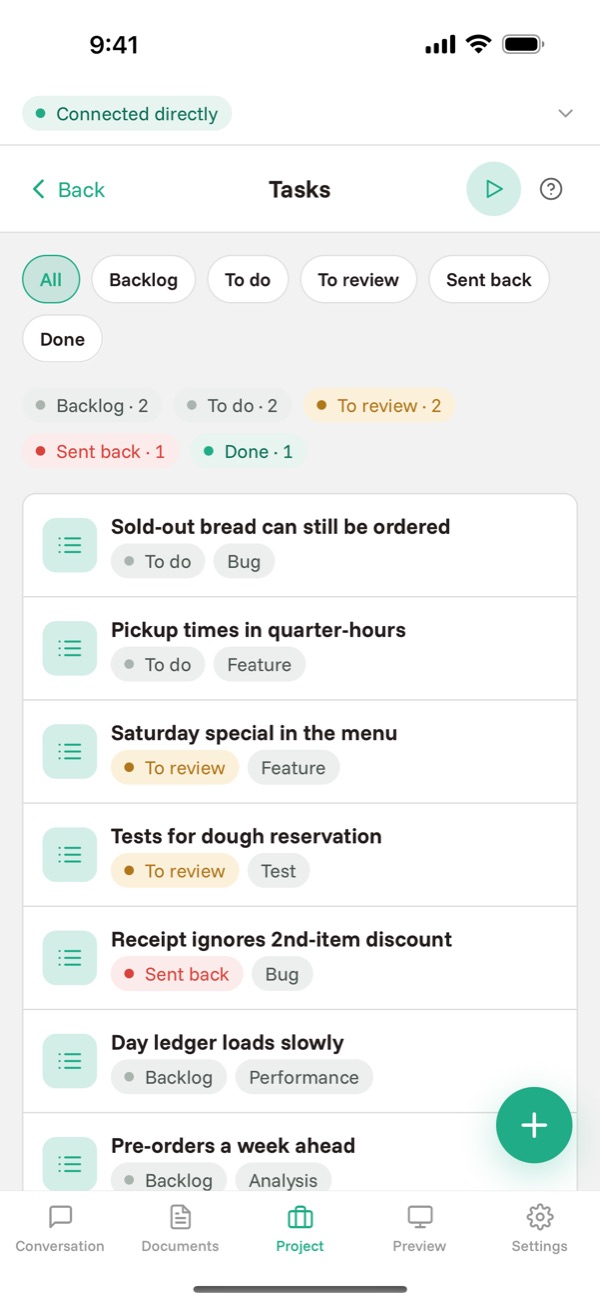
- The list of work, filtered by state. Create a new task with the + button at the bottom right; it is born in the state you are filtering.
- Tests
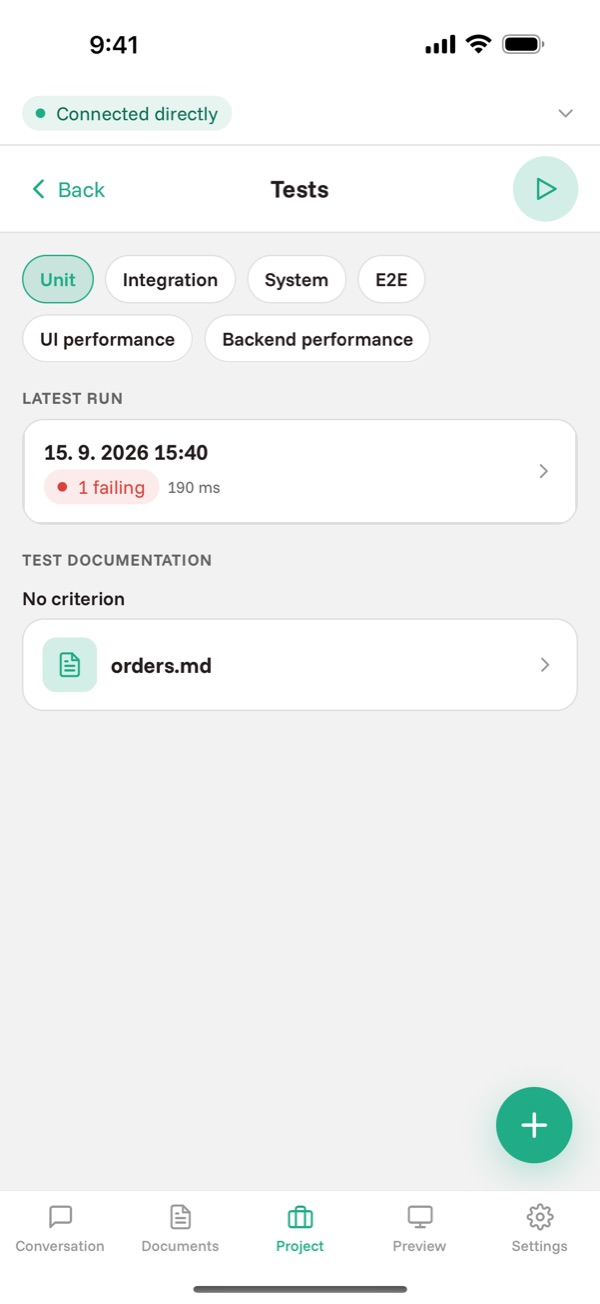
- Run history by level, what fails and why, and asking for new tests. More in the guide to tests.
- Git
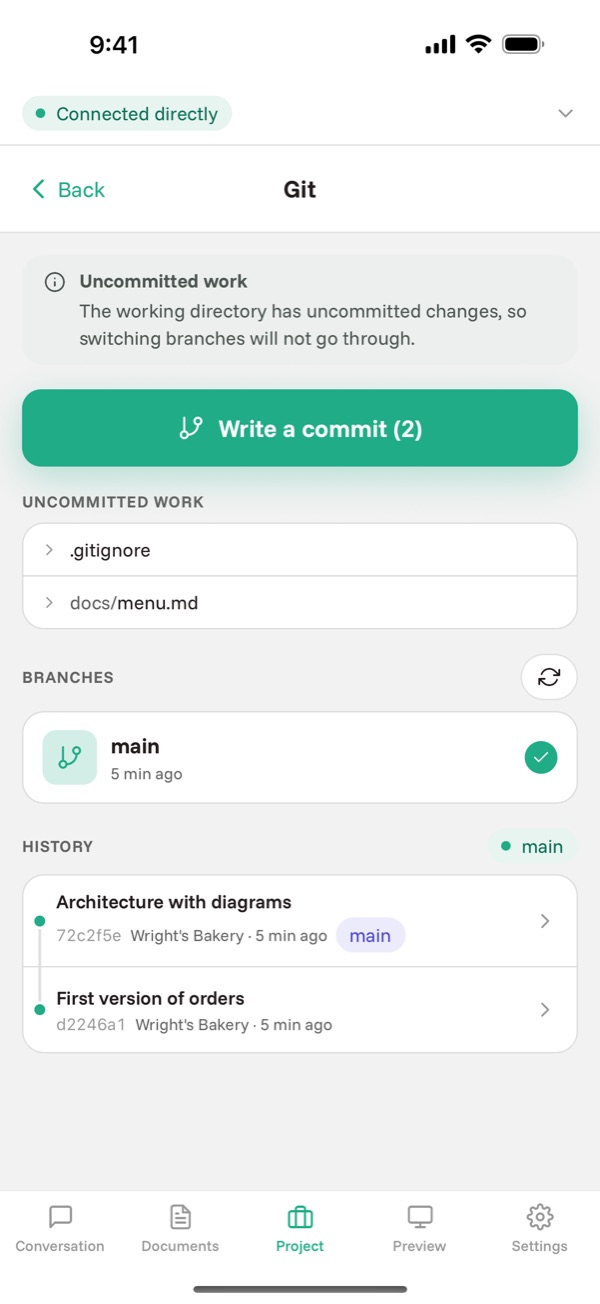
- Branches, merges and commits. More in the guide to git.
- Explanations
- Explanations of parts of the code, away from the main Conversation; the answer is saved to the project.
Preview
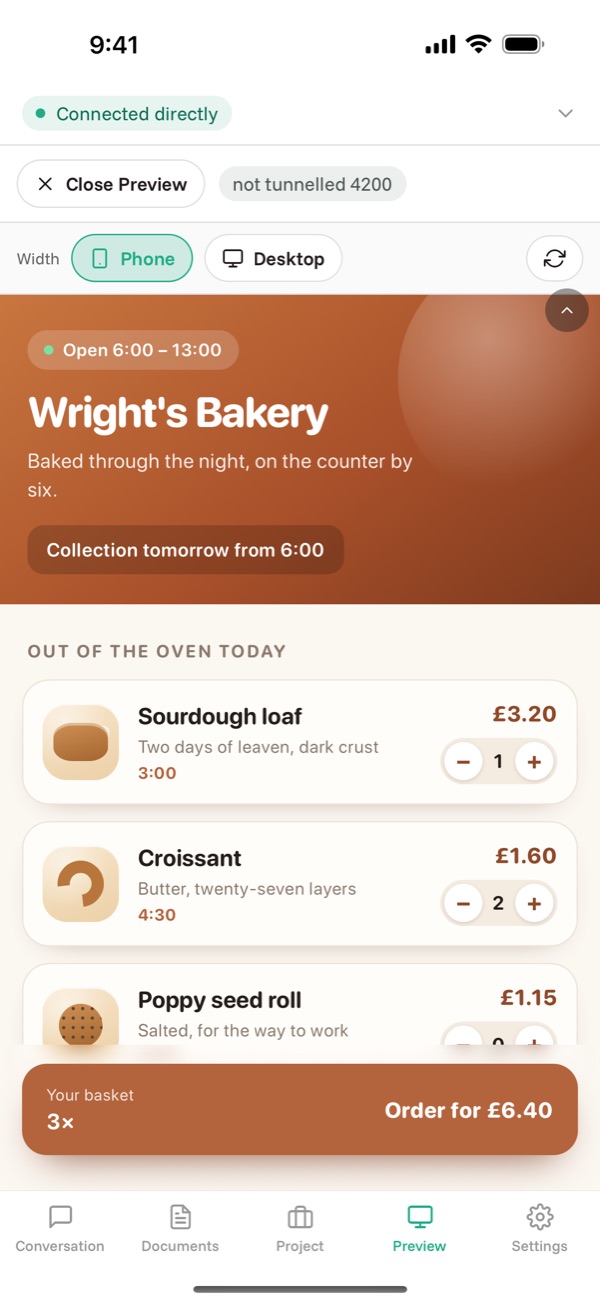
Open the app the Agent started on your computer right on your phone. The Phone and Desktop switch changes the width of the page. More in the guide to Preview.
Settings
Connection holds the saved Servers and the Add connection button — add a new Server by scanning its QR code or typing the pairing code. Language, appearance and notifications are here too.
When the Agent finishes, you get a notification — even with the app closed.
And when you are at your desk
The same app also runs in a window on your computer, with more room and no terminal. Guide to the app on your computer.
Stuck somewhere other than what is here? Write to support@coden-app.com.